Fake Customer Support Scam: 15 Signs
How Fake Customer Support Scams Work
15 Signs of a Fake Customer Support Scam
What Does a Fake Support Scam Look Like? Real Examples
How to Verify a Suspicious Support Message
How to Avoid Customer Service Scams
How AuthentiLens Helps You Detect Fake Support Scams
What to Do If You Gave Access to a Fake Support Agent
How to Spot a Fake Tech Support Scam Going Forward
Frequently Asked Questions
Scan Before You Call or Click
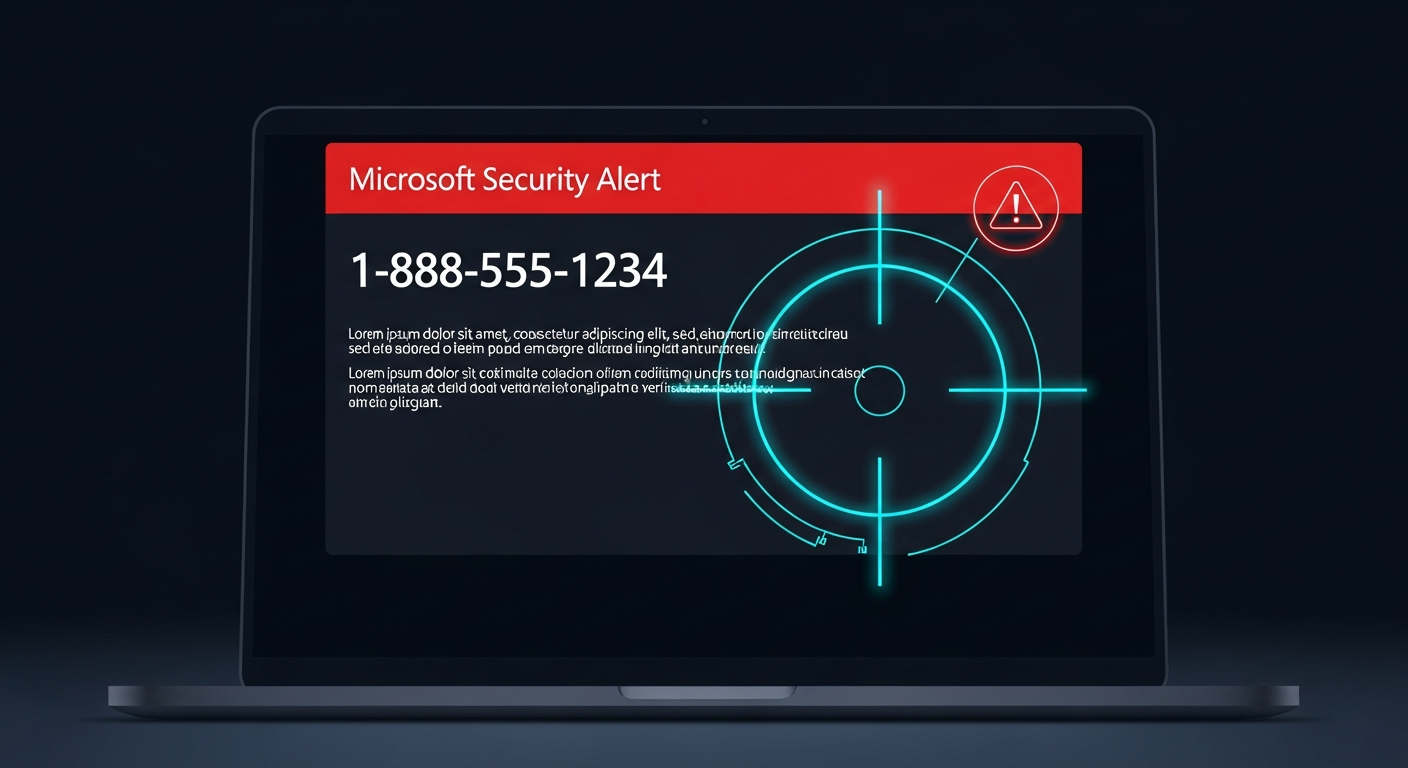
Your computer screen pops up a warning. “Your system is infected with a virus. Call Microsoft Support immediately at 1-888-555-1234.”
Your phone rings. The caller says they are from Amazon. There is a problem with your recent order. They need your account information to fix it.
An email arrives. It claims to be from Apple Support. Your account has been compromised. Click the link to verify your identity.
You feel confused and scared. You do not want to ignore a real problem. But something feels off.
Learning the signs of a fake customer support scam could save you from losing money, having your identity stolen, or giving a scammer remote access to your computer. This guide walks you through the most common fake customer support scam signs, shows you how to spot them before you call or click, and gives you simple verification methods to protect yourself, with help from the AuthentiLens Phishing Email Checker .
How Fake Customer Support Scams Work
Fake customer support scams take many forms. Understanding how they work helps you recognize customer service scam warning signs. Read our guide to common online scam tactics to understand the psychology behind every type of scam.
- The tech support popup scam. A popup appears on your computer screen claiming your computer is infected. It shows a phone number. When you call, a scammer asks for remote access and charges you for fake repairs or installs malware.
- The phone call scam. You receive a call from someone claiming to be from Amazon, Apple, or your bank. They say there is a problem with your account and ask for your information or remote access. Learn more about how to tell if a phone call is a scam .
- The email or text scam. You receive a message claiming to be from customer support. It says there is a problem requiring immediate action and includes a suspicious link or phone number.
- The refund scam. The scammer claims you are due a refund. They ask for your bank account information to process it. Instead, they steal your money.
- The account verification scam. The scammer says your account has been compromised. They ask for your password, Social Security number, or other personal information to “verify your identity.”
15 Signs of a Fake Customer Support Scam
If you notice several of these fake customer support scam signs, do not engage. Verify first.
1. The support contact reached out to you unsolicited
You did not call them. You did not submit a support request. They called, emailed, or texted you out of nowhere.
Legitimate customer support rarely reaches out to you unsolicited. If there is a real problem, you will typically need to contact them first.
2. The message creates urgency or panic
Your computer will crash in 24 hours. Your account will be deleted. Call now before it is too late.
Scammers use urgency to stop you from thinking. Real customer support does not create panic.
3. The caller asks for remote access to your computer
“I need to connect to your computer to fix the problem. Please download this software and give me access.”
Never give remote access to anyone who contacts you unsolicited. This is a classic fake tech support scam sign.
4. The caller asks for your password
No legitimate support agent will ever ask for your password. This is a clear sign of a scammer pretending to be customer support.
5. The caller asks for payment information
There is a fee for this support call. Please provide your credit card number. Pay with gift cards or cryptocurrency.
Legitimate customer support does not ask for payment from unsolicited calls.
6. The caller uses pressure tactics
You need to act now. I cannot help you if you hang up. This offer expires in minutes.
Scammers want to keep you on the phone so you cannot verify. Real support agents will never pressure you.
7. The caller asks you to read numbers from your screen
Please read me the code from this window. Go to this website and tell me the number.
Scammers use this to gain remote access or steal verification codes.
8. The phone number in the popup or email is not official
The popup shows a number that is not on the company's official website. Always verify phone numbers through official channels before calling.
9. The email or text has spelling or grammar errors
Real customer support messages are professionally written. Scam messages often have typos, odd capitalization, or strange word choices.
10. The message comes from an unusual sender
The email address is @gmail.com instead of @company.com. The text comes from a regular phone number instead of a short code.
11. The message asks you to click a link and log in
Click here to verify your account. Do not click any link in an unsolicited support message. Check how to know if a website is fake before entering any information.
12. The message threatens account closure
Your account will be permanently closed if you do not call immediately. Your funds will be frozen.
Real companies do not threaten account closure via popup, email, or unsolicited call.
13. The caller has a generic greeting
“Hello, this is from technical support. We have detected a problem with your computer.” Real support agents identify the company, your name, and the specific issue.
14. The popup cannot be closed
The popup keeps reappearing. This is a scare tactic. Close your browser or restart your computer. Do not call the number.
15. Your gut says something is wrong
Trust this feeling. You have called customer support before. You know what real support sounds like. If something feels off, hang up and verify through official channels.
What Does a Fake Support Scam Look Like? Real Examples
Example 1: The Tech Support Popup Scam
A popup appears on your screen. “WARNING: Your computer has been infected with a virus. Call Microsoft Support immediately at 1-888-555-1234 to remove the threat.” The popup looks official. The number is fake. This is a textbook fake tech support scam sign.
Example 2: The Amazon Scam Call
Your phone rings. The caller says: “Hello, this is Sarah from Amazon Customer Support. Someone tried to purchase an iPhone with your credit card. I need to verify your account information to cancel the order.” The caller asks for your password. This is an Amazon impersonation scam. See our full guide to impersonation scam warning signs .
Example 3: The Refund Scam Email
An email from “Apple Support” says: “You have been charged $499.99 for an AppleCare subscription. If you did not authorize this charge, call us immediately.” You call. The scammer asks for your bank account to “process the refund.” This is a fake refund scam sign.
How to Verify a Suspicious Support Message
If you are unsure about a support message, here is how to verify a suspicious message before you reply .
- Do not call the number in the message. Do not click links. Do not give remote access.
- Go to the company's official website. Type the web address directly into your browser. Find their official customer support number. Call that number, not the one from the message.
- Check your account directly. Log into your account through the official website or app. Look for any alerts or unusual activity.
- Search for the phone number online. Type the number into a search engine followed by the word “scam.” You will often find reports from victims.
- Scan the message with AuthentiLens. Paste the message text, link, or upload a screenshot of the popup. The tool analyzes the content for scam patterns and tells you if it is dangerous, suspicious, or safe.
How to Avoid Customer Service Scams
- Never call the number in a popup, email, or text message. Always find the official number yourself.
- Never give remote access to anyone who contacts you unsolicited.
- Never share your password with anyone, no matter who they claim to be.
- Never pay for tech support from an unsolicited call or popup.
- If you have a computer problem, go directly to the company's official support website.
- Use AuthentiLens to scan suspicious messages before you trust them.
How AuthentiLens Helps You Detect Fake Support Scams
AuthentiLens gives you a simple way to check suspicious customer support messages.
Paste the message text and the tool analyzes the language for scam patterns, urgency, and phishing scripts. Paste any link and the tool scans it without you clicking it. Upload a screenshot of a popup and AuthentiLens analyzes the visual elements for signs of forgery.
You get 5 free scans to start. AuthentiLens Pro is $9.99 per month for unlimited scans.
What to Do If You Gave Access to a Fake Support Agent
If you already gave a scammer remote access or shared personal information, act immediately.
- Disconnect your computer from the internet. Turn off Wi-Fi or unplug the network cable.
- Run a full security scan with trusted antivirus software.
- Change all your passwords. Start with your email and bank accounts. Use a different device if possible.
- Contact your bank if you shared credit card or account information. Ask them to monitor for fraud or issue a new card.
- Have a professional remove any software the scammer may have installed, or back up your files and reset your computer.
- Report the scam to the FTC at reportfraud.ftc.gov and the FBI's IC3. Log it at the BBB Scam Tracker. The FBI's guide on tech support scams explains how these attacks are orchestrated.
How to Spot a Fake Tech Support Scam Going Forward
The best protection is a simple habit. Never trust unsolicited customer support contacts.
If a popup appears on your screen, close your browser and restart your computer. Do not call the number. If someone calls claiming to be from tech support, hang up. Legitimate tech companies do not call you about computer problems.
Remember: if you need support, you call them. You do not wait for them to call you.
Frequently Asked Questions
What are the signs of a fake customer support scam?
Unsolicited contact, urgency, requests for remote access, requests for passwords, requests for payment, pressure tactics, spelling errors, and generic greetings are all fake customer support scam signs.
How do I spot a fake tech support scam?
A popup appears claiming your computer is infected. It shows a phone number to call. You did not request support. The caller asks for remote access or payment. This is a fake tech support scam sign.
How can I verify if a customer support number is real?
Do not call the number from the message. Go to the company's official website. Find their customer support number there and call that number instead.
What should I do if I gave a scammer remote access to my computer?
Disconnect from the internet. Run a security scan. Change all your passwords. Contact your bank if you shared financial information. Report the scam to the FTC.
How can AuthentiLens help with fake support scams?
AuthentiLens scans message text for scam patterns. It scans links without clicking. It analyzes screenshots of popups and messages. It tells you if the content is dangerous, suspicious, or safe.
How can I avoid customer service scams?
Never call numbers in popups, emails, or texts. Find official numbers yourself. Never give remote access to unsolicited callers. Never share your password. Use AuthentiLens to scan suspicious messages.
What are common fake support scam examples?
Fake Microsoft popups, fake Amazon refund calls, fake Apple account verification emails, and fake bank fraud alerts. All ask you to call a number or click a link.
What is the single most important rule for avoiding fake customer support scams?
Never call the number in a popup, email, or text message. Always find the official customer support number yourself through the company's real website. This one habit will protect you from almost all fake support scams.
Scan Before You Call or Click
Fake customer support scams are designed to scare you into calling before you think. Do not let them win.
Before you call a support number or click a link, pause. Hang up. Go to the official website. Call the real number. And when you are unsure, scan it.
Try 5 free scans now at AuthentiLens and check suspicious messages, links, and popups before you trust them.