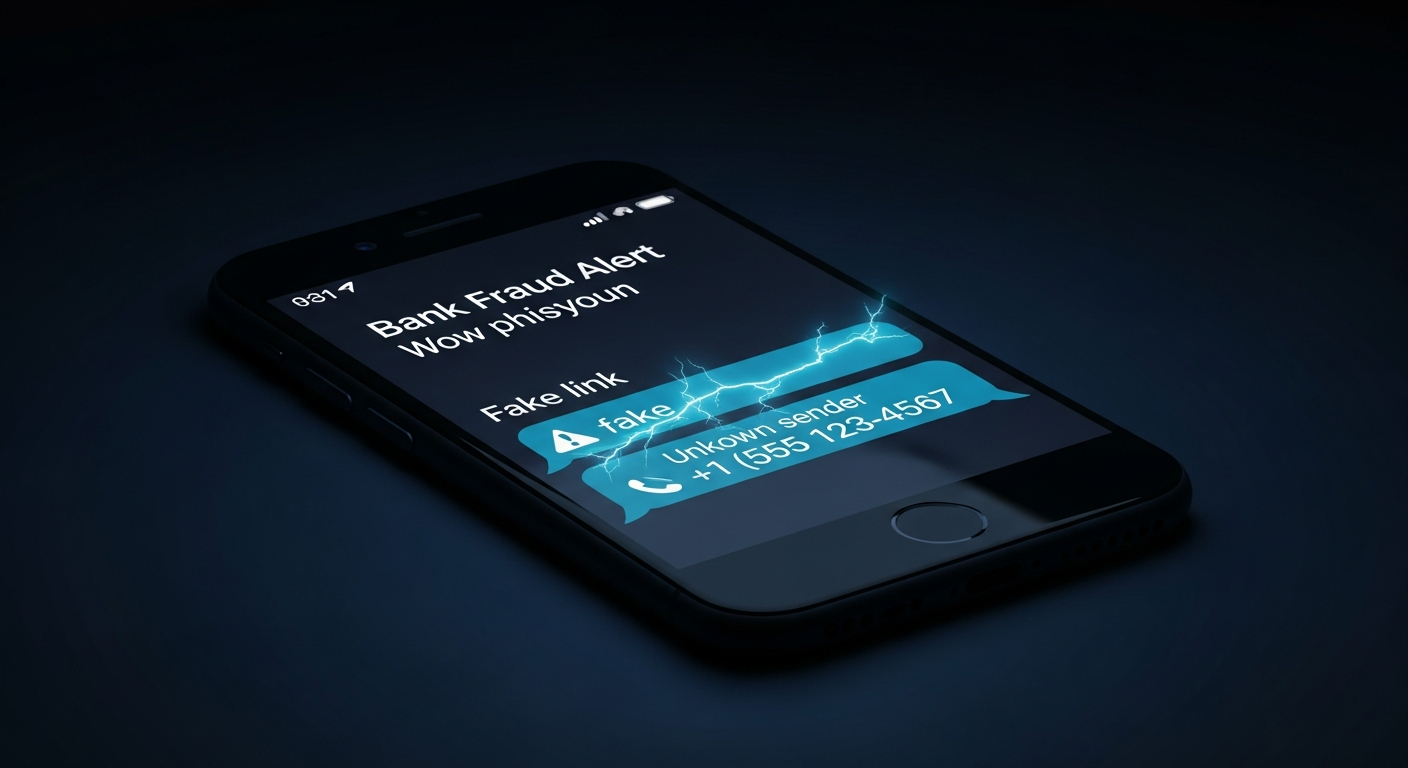
Fake Bank Text Message: 15 Signs
How Bank Text Scams Work
15 Signs of a Fake Bank Text Message
What Does a Bank Scam Text Look Like? Real Examples
How to Verify a Suspicious Bank Text
How to Avoid Bank Text Scams
How AuthentiLens Helps You Detect Fake Bank Texts
What to Do If You Clicked a Fake Bank Text
How to Tell If a Text From Your Bank Is Real Going Forward
Frequently Asked Questions
Scan Before You Click
Your phone buzzes. A text message says “Chase Fraud Alert: Unusual activity detected on your account. Please verify your identity immediately or your account will be locked.” Your heart races. Your finger hovers over the link. But something feels off. The sender is a random phone number. The link looks strange. The message creates urgency. Before you click anything, read this guide.
Learning how to tell if a bank text message is fake could save you from having your bank account drained, your identity stolen, or your device infected with malware. Bank text scams, also known as smishing, are among the most common forms of text message scams today. Scammers send millions of these messages every day, hoping you will click the link and enter your bank login credentials. The AuthentiLens Scam Text Checker can analyze any suspicious bank text before you act.
How Bank Text Scams Work
Bank text scams follow a predictable pattern. Understanding how they work helps you recognize the warning signs.
- The fraud alert scam. You receive a text saying there has been suspicious activity on your account. To verify your identity and stop the fraud, you need to click a link and log in. The link leads to a fake bank login page. When you enter your username and password, the scammer steals them.
- The account locked scam. You receive a text saying your account has been locked due to too many failed login attempts or suspicious activity. Click a link to unlock it. The link leads to a fake login page that steals your credentials.
- The verification scam. Your bank needs to verify your identity. Click the link to confirm your information. The link leads to a fake page that asks for your Social Security number, date of birth, and other personal details.
- The fake OTP scam. You receive a text claiming your bank sent a one-time passcode. A scammer calls and asks for the code to verify your identity. Never share OTP codes with anyone.
- The fake customer service number scam. The text includes a phone number to call. When you call, a scammer answers pretending to be your bank and asks for your account information.
15 Signs of a Fake Bank Text Message
If you notice several of these signs, do not click anything. Verify first.
1. The text comes from a regular phone number, not a short code
Banks use short codes (usually 5 or 6 digit numbers) for legitimate text messages. If the text comes from a regular 10-digit phone number or an international number, it is almost certainly a scam. This is one of the most reliable fake bank text signs.
2. The message creates urgency or panic
“Your account will be locked in 24 hours. Immediate action required. Unusual activity detected. Verify now or your funds will be frozen.” Scammers use urgency to stop you from thinking. Real banks do not create panic via text message.
3. The message asks you to click a link and log in
“Please verify your identity by clicking here. Click to unlock your account.” Real banks do not send links asking you to log in from a text message. This is a classic bank phishing text sign.
4. The link address is not your bank's real website
Press and hold the link on your phone to preview the destination. Scammers use links like chase.com.verify-login.net or bankofamerica-alerts.com. Always check if a link is suspicious before you tap it. If the link does not go to your bank's exact domain, it is a scam.
5. The message asks for personal information
“Please confirm your Social Security number. Verify your date of birth. Enter your online banking password.” Your bank already has this information. They will never ask you to provide it via text message.
6. The message asks for money
“There is a fee to unlock your account.” Banks do not charge fees to unlock accounts or verify identity. Any request for money is a scam.
7. The message has spelling or grammar errors
Real bank messages are professionally written. Scam texts often have typos, odd capitalization, or strange word choices: “We have been detect suspicious activity on you account.”
8. The message uses a generic greeting
“Dear customer. Dear valued customer. Hello.” Real banks address you by your name or reference your account type. Generic greetings are a clear fake bank text sign.
9. You do not have an account with that bank
If you receive a text from a bank you do not use, it is automatically a scam. Delete it immediately. Scammers blast the same message to millions of numbers hoping some recipients are customers.
10. The message references a transaction you do not recognize
“A $499.99 charge was made at Walmart. If you did not authorize this, click here.” Scammers create fake transaction alerts to make you panic. Check your account directly through your banking app.
11. The message asks you to reply with information
“Please reply with your full name. Text YES to confirm your account number.” Legitimate banks do not ask you to reply to texts with personal information.
12. The message includes a fake customer service number
“Call us immediately at this number to resolve the issue.” If you call, a scammer will answer and ask for your account details. Always use the number on the back of your bank card.
13. The message claims your account is locked
“Your online banking has been locked due to too many failed attempts. Click here to unlock.” Check your account directly through your banking app. Do not click the link.
14. The sender number appears suspicious
The text comes from an unusual area code, an international country code, or an email address disguised as a phone number.
15. Your gut says something is wrong
Trust this feeling. You have received real bank alerts before. You know what they look like. If something feels off, do not click anything. When in doubt, call your bank directly using the number on the back of your card.
What Does a Bank Scam Text Look Like? Real Examples
Example 1: The Fraud Alert Scam
“CHASE FRAUD ALERT: Unusual activity was detected on your debit card. A charge of $499.99 was attempted. If this was not you, please verify your identity immediately: https://chase-alert-verify.com”
The text creates urgency. The link does not go to chase.com. The sender is a regular phone number, not a Chase short code. This is a textbook impersonation scam .
Example 2: The Account Locked Scam
“BANK OF AMERICA: Your online banking has been locked due to multiple failed login attempts. Click here to unlock your account: https://bankofamerica-account.net”
The link is suspicious. The sender is not a short code. Knowing how to spot a fake website lets you catch this before you enter your password.
Example 3: The Verification Scam
“WELLS FARGO: We need to verify your identity. Please click the link below and confirm your information to avoid account restrictions: https://wellsfargo-verify.com”
The text asks for verification. The link is fake. The sender is not Wells Fargo's verified short code.
How to Verify a Suspicious Bank Text
- Do not click the link. Do not reply. Do not call any phone number in the text.
- Open your banking app directly. Use the app on your phone or type your bank's web address into your browser. Log in normally. Check for alerts or unusual activity.
- Call your bank using the number on the back of your card. Do not use any number from the text. Ask if the message was legitimate.
- Check the sender number. Does it match the short code your bank normally uses? If not, it is likely a scam.
- Scan the text and link with AuthentiLens. Paste the message and the link into AuthentiLens. The tool analyzes the link without you clicking it and tells you if it is dangerous, suspicious, or safe. This is the fastest way to verify a suspicious message before you reply .
How to Avoid Bank Text Scams
- Never click links in unexpected text messages claiming to be from your bank.
- Never reply to suspicious texts with personal information.
- Never call phone numbers provided in suspicious texts.
- Always open your banking app directly or type your bank's web address into your browser.
- Call your bank using the number on the back of your card if you are unsure.
- Remember that banks do not create urgency or panic via text message.
- Use AuthentiLens to scan suspicious texts before you trust them.
How AuthentiLens Helps You Detect Fake Bank Texts
AuthentiLens gives you a simple way to check suspicious bank texts. Paste the message text and the tool analyzes it for scam patterns, urgency, and phishing scripts. Paste any link from the text and the tool scans it without you clicking it. You will know immediately if it is dangerous, suspicious, or safe. Upload a screenshot of the text and AuthentiLens analyzes the visual elements for signs of forgery. You can also scan any phone numbers included in the message. You get 5 free scans to start. AuthentiLens Pro is $9.99 per month for unlimited scans.
What to Do If You Clicked a Fake Bank Text
If you already clicked a link in a fake bank text and entered information, act immediately.
- Contact your bank immediately using the number on the back of your card. Tell them you may have entered your login information on a fake website. Ask them to lock your online banking and monitor for fraud.
- Change your online banking password right away. If you reuse the same password on other accounts, change those too.
- Check your bank account for any unauthorized transactions.
- If you entered your credit card information, contact your credit card company and ask them to issue a new card.
- If you entered your Social Security number, place a fraud alert on your credit reports with one of the three major credit bureaus.
- Run a security scan on your device. Some phishing sites install malware.
- Report the scam to the FTC at reportfraud.ftc.gov and the FBI's IC3. Log it at the BBB Scam Tracker. Forward the text to your bank so they can warn other customers.
How to Tell If a Text From Your Bank Is Real Going Forward
The best protection is a simple habit. Never trust a text that asks you to click a link to log in. Always open your banking app directly. Check the sender number. Banks use short codes, not regular phone numbers. Be suspicious of urgency. Scammers want you to act without thinking. If you are ever unsure, call your bank using the number on the back of your card. Never call any number from the text itself. And use AuthentiLens to scan suspicious texts before you trust them.
Frequently Asked Questions
How can I tell if a bank text message is fake?
Check the sender number. Banks use short codes, not regular 10-digit numbers. Look for urgency, requests to click links and log in, or requests for personal information. When in doubt, call your bank directly using the number on the back of your card.
What are common fake bank text signs?
Texts from regular phone numbers, urgency language, requests to click links and log in, requests for personal information, spelling errors, generic greetings, and threats of account lock or fund freeze.
How do I spot a fake fraud alert text?
The text creates urgency about unauthorized activity and asks you to click a link to verify your identity. The link does not go to your bank's real website. Call your bank directly instead of clicking.
How can I verify a suspicious bank text without clicking anything?
Open your banking app directly. Log in normally. Check for alerts. Call your bank using the number on the back of your card. Scan the text with AuthentiLens for an instant verdict.
What should I do if I clicked a fake bank text?
Contact your bank immediately. Change your password. Check for unauthorized transactions. Place a fraud alert if you shared your Social Security number. Run a security scan on your device. Report to the FTC at reportfraud.ftc.gov.
What is the single most important rule for avoiding bank text scams?
Do not click links in text messages claiming to be from your bank. Always open your banking app directly or type your bank's web address into your browser. This one habit will protect you from almost all bank text scams.
Scan Before You Click
Bank text scams are designed to scare you. They create panic. They want you to click before you think. Do not let them win. Before you click any link in a bank text, pause. Check the sender. Do not click. Open your banking app directly. And when you are unsure, scan it.
Government impersonation scams target drivers through several fake alert types. See our guides on fake toll road texts and verification code text scams.
Try 5 free scans now at AuthentiLens and check suspicious texts and links before you trust them.