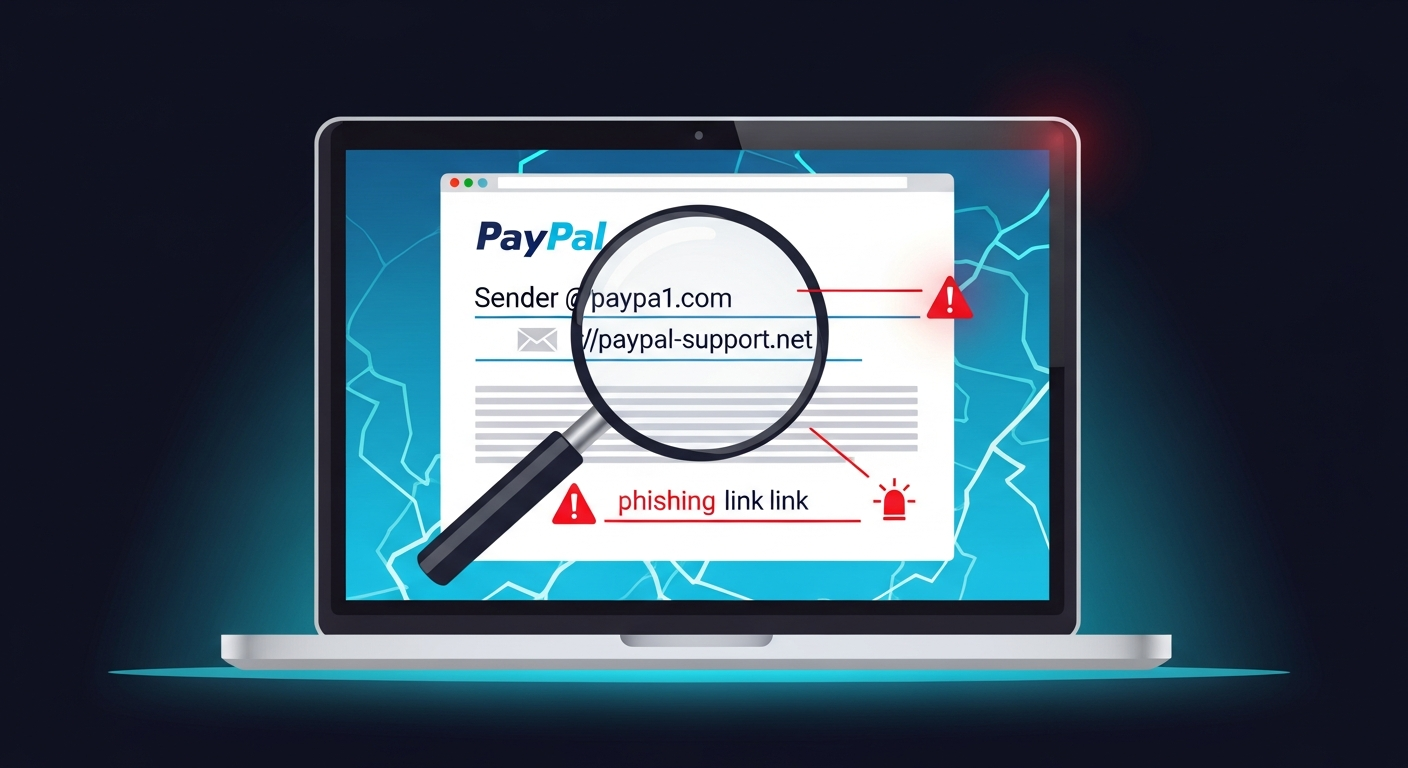
Fake PayPal Email: 15 Warning Signs
How PayPal Phishing Scams Work
15 Signs of a Fake PayPal Email
What Does a Fake PayPal Email Look Like? Real Examples
How to Verify a Suspicious PayPal Email
How to Avoid PayPal Phishing Emails
What to Do If You Clicked a Fake PayPal Email
FAQ
Scan Before You Trust
You open your email inbox. There is a message from PayPal. The subject line says "You have received a payment" or "Your account has been temporarily limited."
Your heart jumps. You are about to click the link. But you pause. Something feels off. The sender address looks strange. The email calls you "Dear customer" instead of using your name.
Learning how to tell if a PayPal email is fake could save you from having your account stolen, your money taken, or your identity compromised. This guide covers every fake PayPal email sign, real examples, and simple verification methods. It is closely related to the broader guide on signs of a phishing email ; the same tactics apply here. For fast analysis, try the AuthentiLens Phishing Email Checker .
How PayPal Phishing Scams Work
- The fake payment notification. You receive an email saying someone sent you money. To claim it, click a link and log in. The link leads to a fake login page.
- The fake invoice scam. You receive an email saying you have an invoice due. "Pay immediately to avoid account suspension." The link leads to a fake payment page.
- The account limitation scam. Your account has been limited. Verify your identity to restore access. The link leads to a fake login page.
- The fake receipt email. You receive a receipt for a purchase you did not make. "Click here to dispute this charge." The link leads to a fake login page.
- The fake customer service scam. You receive an email with a phone number claiming to be PayPal. A scammer answers and asks for your account information.
15 Signs of a Fake PayPal Email
If you notice several of these fake PayPal email signs, do not click anything. Verify first.
1. The sender address is not from @paypal.com
This is the most important sign. A real PayPal email comes from an address ending in @paypal.com. A fake email might come from @paypal-security.net or a free email like @gmail.com. Always check the actual sender address, not just the display name.
2. The email uses a generic greeting
"Dear customer." "Dear user." Real PayPal emails address you by your full name. If the email does not use your name, that is a major PayPal scam email red flag.
3. The email creates urgency or panic
"Your account will be limited in 24 hours." Scammers use urgency to stop you from thinking. Real PayPal emails do not threaten you or create panic.
4. The email asks you to click a link and log in
Always type paypal.com directly into your browser. Never log in by clicking a link from an email.
5. The link address does not go to paypal.com
Hover over the link. Check if the link is suspicious before clicking. Scammers use links like paypal.com.verify-login.net (these are not real PayPal domains).
6. The email has spelling or grammar errors
A real email from PayPal is professionally written. Phishing emails often have typos, odd word choices, or sentences that do not sound right.
7. The email asks for personal information
"Please confirm your Social Security number." PayPal already has this information. They will never ask you to provide it through an email link.
8. The email contains a fake invoice
The email says you have an invoice due for $499.99. Log into your PayPal account directly. If the invoice is real, it will appear in your account. Do not click the link in the email.
9. The email has an attachment
Do not open attachments from suspicious emails. They may contain malware. Learn more about how to tell if an email attachment is suspicious.
10. The email threatens account closure
"Your account will be permanently closed if you do not act now." Real PayPal does not threaten to close your account via email.
11. The email asks you to call a phone number
If you call, a scammer will answer. Always use the official PayPal customer service number from their website.
12. The email is for a payment you did not expect
Scammers create fake payment emails to make you panic. Check your PayPal account directly. Do not click the link in the email.
13. The email lacks transaction details
Real payment notification emails from PayPal include the sender's name, the amount, and the date. Fake emails are often vague.
14. The email has a fake "Dispute" button
The button leads to a fake login page. Do not click buttons in suspicious emails.
15. Your gut says something is wrong
You have received real PayPal emails before. You know what they look like. If something feels off, do not click anything. When in doubt, go directly to PayPal's website yourself.
What Does a Fake PayPal Email Look Like? Real Examples
The Fake Invoice Email
The email appears to come from "PayPal Service" but the sender address is invoice@paypal-services.net. The subject line says "Invoice #8372 from Apple Inc." "You have been charged $499.99. If you did not authorize this payment, click here to dispute." The link goes to a fake login page.
The Account Limitation Scam
The sender address is security@paypal-alerts.com. The subject line says "Your account has been temporarily limited." "Please verify your identity within 24 hours or your account will be closed." The link goes to a fake login page.
The Fake Payment Notification
The sender address is payments@paypal-verify.net. The subject line says "You have received a payment of $750.00 from John Smith." "The payment is on hold. Click here to claim your money." The link steals your login credentials.
How to Verify a Suspicious PayPal Email
- Check the sender address. Does it end with @paypal.com? If not, it is fake.
- Do not click any links. Open a new browser tab. Type paypal.com directly. Log into your account. Check your transaction history.
- Hover over links. On a computer, hover your mouse over any link. On a phone, press and hold. Does it go to paypal.com?
- Check the greeting. Does the email address you by your full name? If it says "Dear customer," it is likely a scam.
- Scan the email with AuthentiLens. Paste the email content to analyze language for scam patterns. Scan any links without clicking them.
How to Avoid PayPal Phishing Emails
Never click links in emails claiming to be from PayPal. Always type paypal.com directly into your browser. Never enter your PayPal password after clicking a link in an email. Check the sender address before you trust any email. If an email creates urgency or panic, assume it is a scam. For the full picture of common online scam tactics, including email phishing, see that guide.
What to Do If You Clicked a Fake PayPal Email
- Go to the real PayPal website immediately. Type paypal.com directly. Change your password right away.
- Enable two-factor authentication on your PayPal account.
- Check your PayPal account for unauthorized transactions.
- If you see unauthorized transactions, report them to PayPal through their official dispute center.
- Check any bank accounts or credit cards linked to your PayPal account.
- If you entered your credit card information, contact your bank or credit card company immediately.
- Run a security scan on your device.
- Report the fake email to PayPal. Forward the email to phishing@paypal.com.
FAQ
How can I tell if a PayPal email is fake?
Check the sender address. Look for generic greetings. Do not click links. Hover over any link to see the real destination. Log into PayPal directly through the official website.
How do I spot a fake PayPal invoice email scam?
The email claims you have an invoice due. It creates urgency to pay. It includes a link to a fake payment page. Log into PayPal directly to check if the invoice is real.
What should I do if I clicked a fake PayPal email?
Change your PayPal password immediately. Enable two-factor authentication. Check for unauthorized transactions. Contact your bank if you entered credit card information. Report the fake email to phishing@paypal.com.
What is the most important rule for avoiding fake PayPal emails?
Never click a link in an email to log into PayPal. Always type paypal.com directly into your browser. This one habit will protect you from almost all PayPal phishing scams.
Scan Before You Trust
PayPal phishing emails are designed to look real. They create panic. They want you to click before you think. Do not let them win.
Before you click any link in a PayPal email, pause. Check the sender. Log into PayPal directly through the official website. And when you are unsure, scan it.